Visualisation with Foxglove Studio
Overview
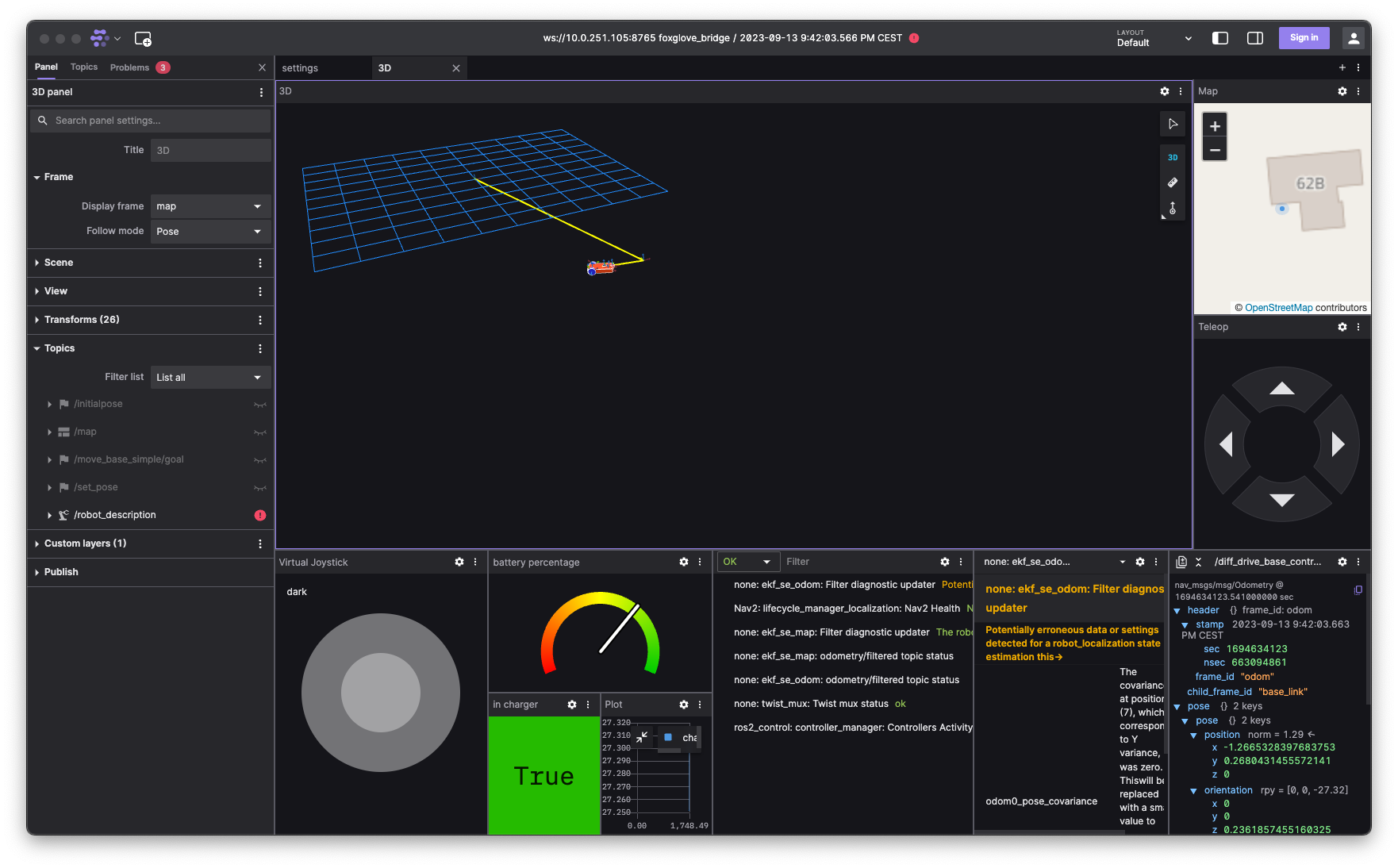
Foxglove Studio is a visualisation tool for robotics developers. It's designed to be easy to use, and to work with any ROS system. Alternatively RViz2 can be used for visualisation.
Installation
Download the latest release from the Foxglove Studio website.
Usage
Connect to your ROS system by using Foxglove Websocket connection. This project comes with Foxglove bridge installed. Instructions are available here.
Start the bridge from the repository root:
make foxgloveIt listens on 0.0.0.0:8765 by default. From another machine on the same LAN, connect Foxglove Studio to ws://<host>:8765, for example ws://lord.local:8765.
To install it as a user service:
make foxglove-service-enableUseful service commands are make foxglove-service-status, make foxglove-service-restart, make foxglove-service-disable, and make foxglove-service-logs.